
Welcome to Prompt, Tinker, Innovate—my AI playground. Each edition gives you a hands-on experiment that shows how AI can sharpen your thinking, streamline your process, and power up your creative work.
This week's playground: The one-prompt cheat sheet
I make cheat sheets for everything.
F1 fantasy rules. ChatGPT and Claude commands. Vibe coding workflows. If I'm going to reference something more than twice, it gets a cheat sheet.
The problem is that building a good one takes time. You have to decide what to include, what to cut, how to organize it, and how to make it scannable enough that you actually use it. Most of the time, I'd start one and never finish it.
Now I use a single AI prompt that does it in about 30 seconds.
Why this matters
Cheat sheets aren't just study tools. They're how experienced professionals—at least that is what I tell myself—compress what they know into something they can reference fast and share with others.
Think about your work right now. You probably have a process, a tool, or a framework that lives in your head. You explain it on calls. You re-type it in chats. You promise yourself you'll document it "when things slow down."
Things never slow down. But this prompt takes 30 seconds.
The output isn't a wall of text. It's a structured, scannable one-pager with key concepts, frameworks, common mistakes, rules, and a quick-reference section. The kind of thing you pin to your desk or bookmark in your browser.
Use case spotlight: Where cheat sheets actually get used
Here's where I've used this prompt in the past month:
- Tool shortcuts: I generated a Claude keyboard shortcuts cheat sheet when I kept forgetting the commands. Now it lives as a bookmarked link in Chrome.
- Process documentation: I built a vibe coding workflow cheat sheet for a course I teach. Took me longer to add all of my training materials than to generate it.
- Personal reference: F1 fantasy league—the chip rules, scoring system, and budget strategy all compressed into one page I check before every race weekend.
The pattern is always the same: something you know (or are learning), compressed into something you can scan in 30 seconds.
Your AI experiment: Try this prompt
👉 Time to tinker: Pick something you know well but haven't documented—a tool, a process, a framework, a methodology. Or pick something you're learning and want to internalize faster.
If you are using ChatGPT or Gemini, make sure to turn on the Canvas mode/tool.
📝 Prompt:
Create a one-page visual cheat sheet for [topic]. Include key concepts, frameworks, common mistakes, and a quick-reference section I can scan in 30 seconds. Use short phrases over full sentences. Group related items together. Make it dense but scannable. (Optional: Here is some source material: [attached])
Swap in your topic. Add any documentation, websites, and knowledge in your head you want to share. That's it. This works on ChatGPT, Claude, and Gemini—technically, you can get a text-based sheet on Copilot, but just don't (you can't say I didn't warn you!).
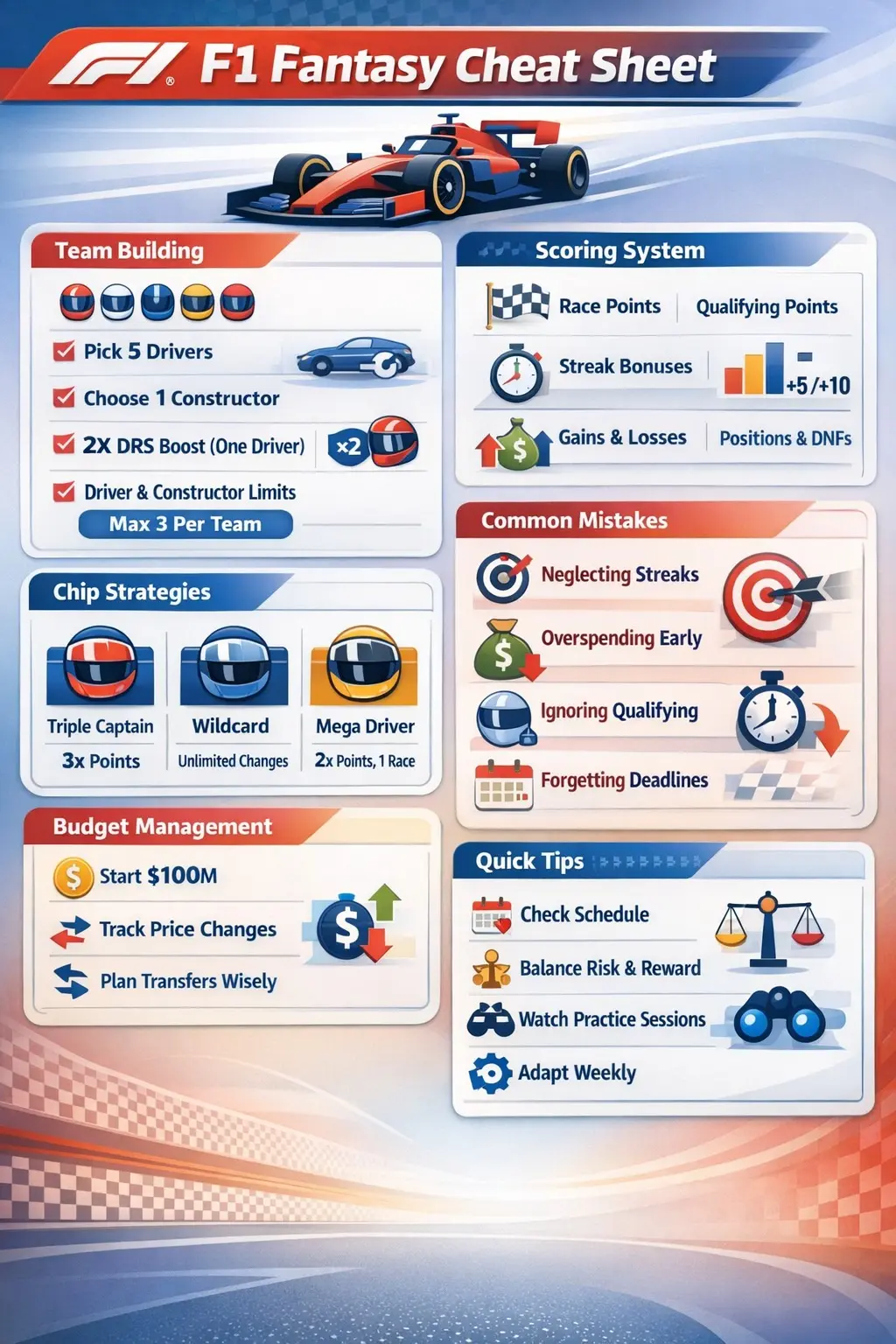
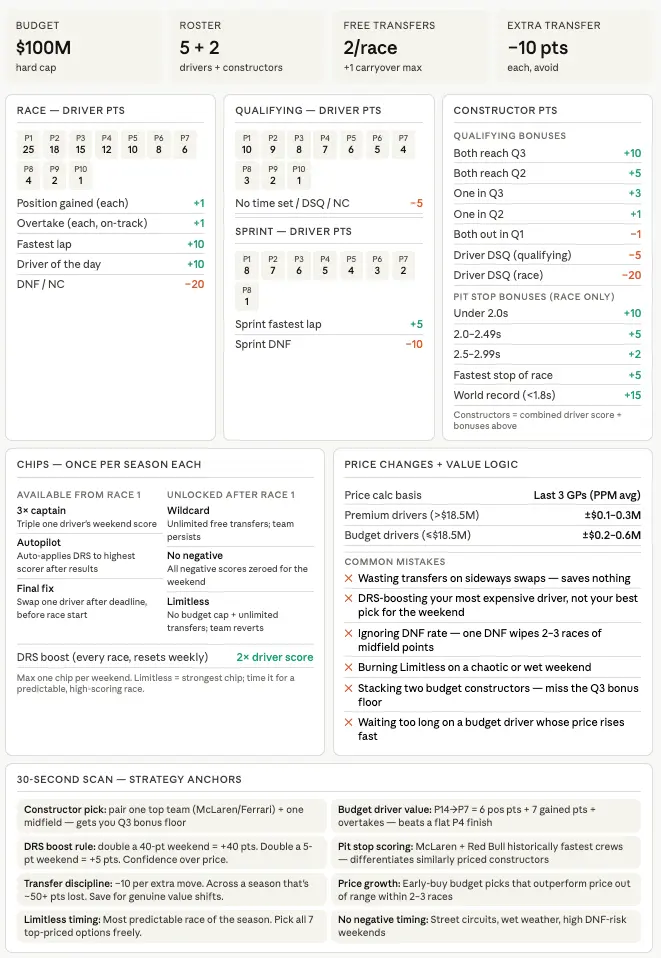
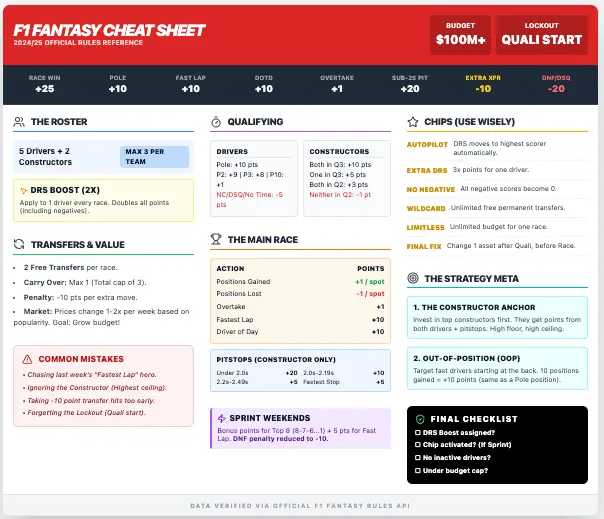
Here is what my F1 Fantasy cheat sheets look like across Claude, Gemini, and ChatGPT:
💡 Pro tips
- Add your audience. Append "This is for someone who is [beginner/intermediate/expert] at [topic]" to get the right level of detail. A cheat sheet for a new hire looks different than one for a senior practitioner.
- Specify the format. Ask for a table, a two-column layout, or a numbered list if you have a preference. If applicable, share your brand style guide. The default output is usually good, but format matters when you're printing or embedding it somewhere.
- Chain it. Generate the cheat sheet, then follow up with: "Now turn this into a quiz I can use to test myself" or "Create 5 flashcard-style questions from this." You've just built a personal training module in two prompts.
- Make it a living doc. Bookmark your chat and come back and ask AI to update it as you learn more. "Add a section on [new topic] to this cheat sheet" works perfectly.
What did you discover?
This is one of those prompts that sounds simple but changes how you work once you start using it. The barrier to documenting what you know drops to almost zero.
I'm curious—what's the first cheat sheet you'd create? A tool you use daily? A process you keep explaining? Something you're trying to learn?
Until next time—keep tinkering, keep prompting, keep innovating.
📩 Not subscribed yet? Hit the button at the top. More experiments coming soon.
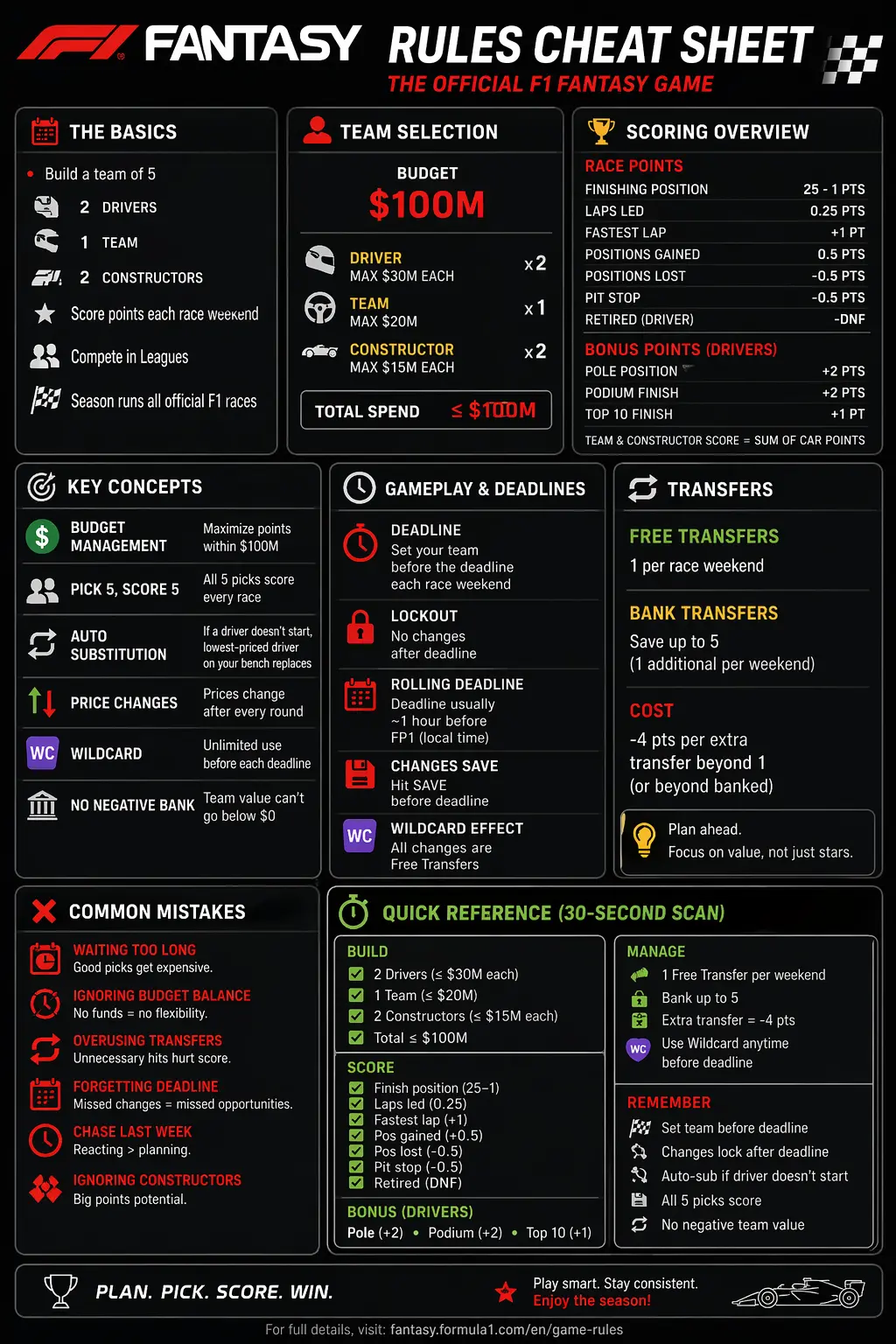
P.S. You made it to the end, so here's your reward: the Copilot-generated cheat sheet. It's missing a significant amount of information, the design looks like it was created during the dial-up era, and I will absolutely be sending it to the people in my F1 fantasy league that I want to lose. Thank you, Copilot.